
Short answer: with Docker installed, run docker run -d -p 3000:3000 --name metabase metabase/metabase, wait a minute or two, then open http://localhost:3000. Metabase asks you to create your admin account, and you can start exploring the built-in sample data straight away.
Metabase is an open-source business intelligence (BI) tool. It lets anyone in your team ask questions about your data, build charts and share dashboards, often without writing SQL. You can also embed Metabase charts in your own app.
 Metabase logo
What changed since the original post (2023): there's no default login to remember. On your first visit, Metabase walks you through creating your own admin account. Docker is also now the simplest way to run Metabase on a laptop.
What do you need before you start?
- Docker Desktop, installed and running. Download it from docker.com.
- About 2 GB of free memory for Metabase while it runs.
Step 1: Download the Metabase image
docker pull metabase/metabase:latest
metabase/metabase is the free, open-source edition.
Step 2: Start Metabase
docker run -d -p 3000:3000 --name metabase metabase/metabase
This starts Metabase in the background, on port 3000.
Step 3: Wait for it to finish starting
The first start takes a minute or two. To watch its progress:
docker logs -f metabase
When the log says Metabase has finished starting up, press Ctrl + C to stop watching. Metabase keeps running.
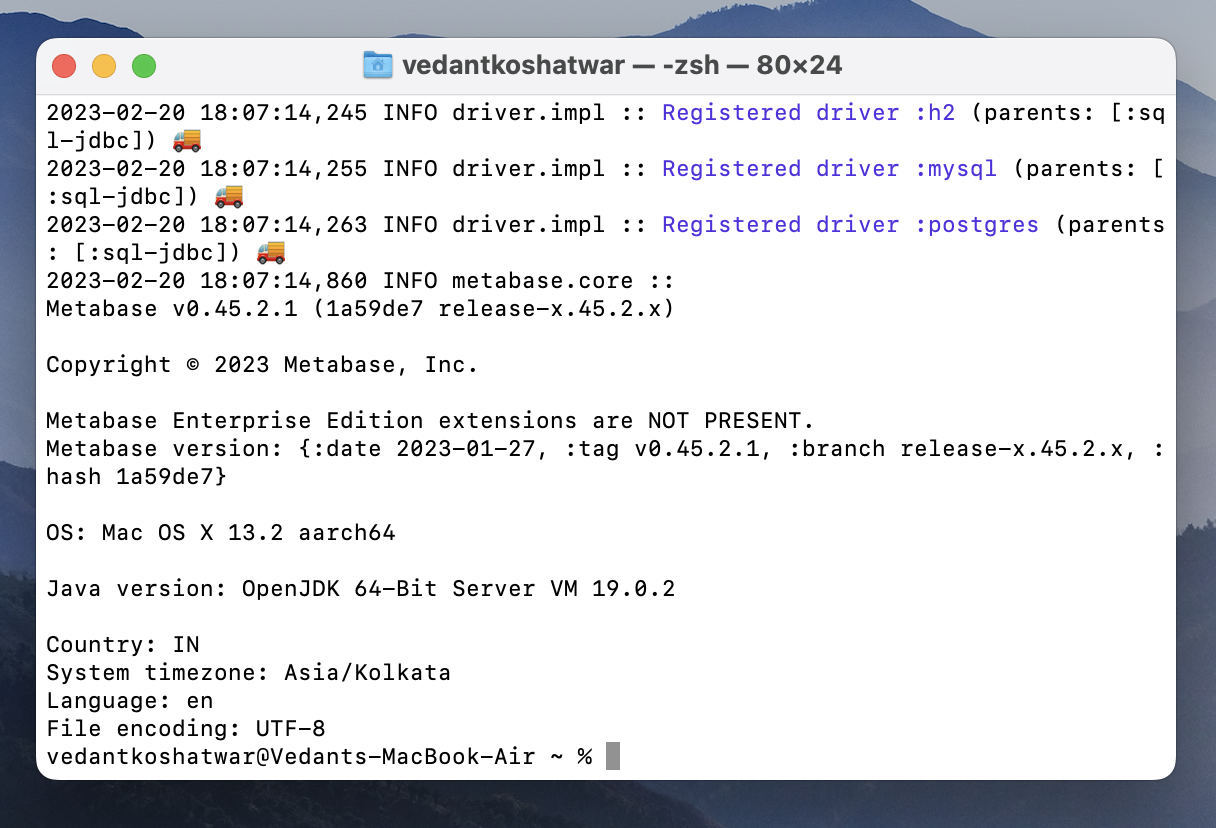 Terminal showing Metabase start-up logs
Start-up logs from the original post. Your version number will be newer.
Terminal showing Metabase start-up logs
Start-up logs from the original post. Your version number will be newer.
Step 4: Create your admin account
Open http://localhost:3000. The setup screen asks for your name, email and a password, and whether you want to connect a database now. You can skip the database step and use the sample data first.
Next time you visit, you sign in with the email and password you just chose.
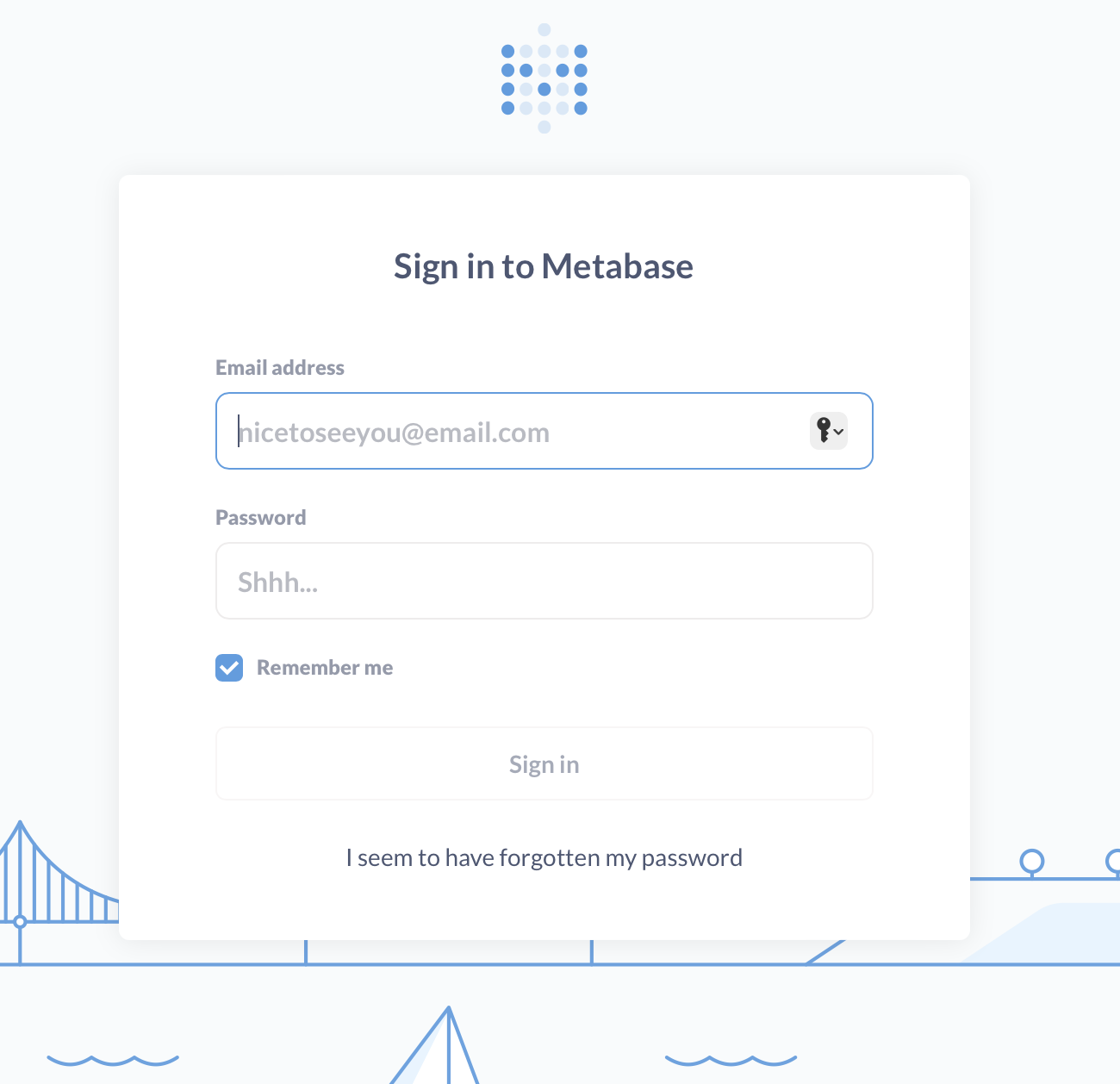 Metabase sign-in screen
After setup, you sign in here with your own email and password.
Metabase sign-in screen
After setup, you sign in here with your own email and password.
Step 5: Explore your data
Metabase comes with a Sample Database, so you can try it straight away. On the home page, click one of the suggested "x-rays" to get an automatic dashboard. You can also click + New → Question to build a chart yourself.
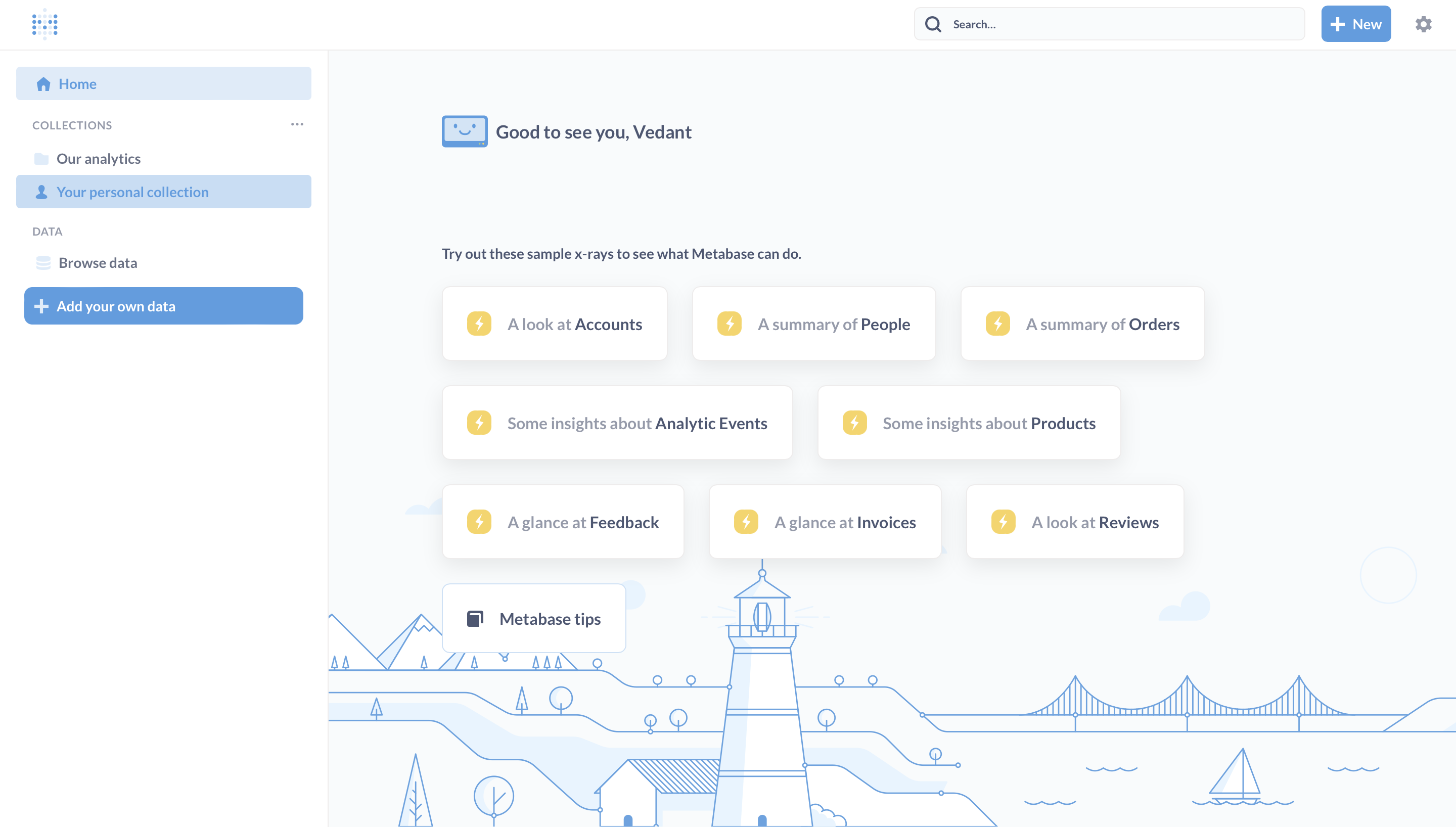 Metabase home page with suggested x-ray dashboards
The Metabase home page suggests automatic dashboards to get you started.
Metabase home page with suggested x-ray dashboards
The Metabase home page suggests automatic dashboards to get you started.
When you're ready, go to Admin settings → Databases → Add database to connect Postgres, MySQL, BigQuery, Snowflake or another source.
Keep your work when you restart
By default, Metabase saves your dashboards and settings inside the container. If you delete the container, they're gone. To keep them in a folder on your laptop, start Metabase like this instead:
docker run -d -p 3000:3000 \
  -v ~/metabase-data:/metabase-data \
  -e "MB_DB_FILE=/metabase-data/metabase.db" \
  --name metabase metabase/metabase
For a team or production setup, use Postgres as Metabase's own database instead of this built-in file.
How do you stop and restart Metabase?
docker stop metabase
docker start metabase
FAQ
Is Metabase free? The open-source edition is free. Metabase also sells Pro and Enterprise plans and a hosted Metabase Cloud, with extra features like advanced permissions and white-label embedding.
What is the default Metabase username and password? There isn't one. You create your admin account the first time you open Metabase.
What port does Metabase use?
Port 3000 by default, so the address is http://localhost:3000.
Metabase or Apache Superset: which should I use? Both are open-source BI tools. Metabase is quicker for non-technical users to pick up. Superset offers more chart types and SQL-heavy features. See our Superset 5-minute guide to compare.
What to try next
Metabase is the dashboard layer of a modern data stack. Our other 5-minute guides cover the rest:
- Setup Airbyte in 5 minutes, to load data from your apps and databases
- Setup dbt Core on your machine in 5 minutes or less, to clean and model that data
- Setup DuckDB in 5 minutes, to analyse files on your laptop
- Modern Data Stack on your laptop, to see how it all fits together
Want help building dashboards your team will actually use? Talk to Newtuple.