

Short answer: install Meltano with uv tool install meltano (or pipx install meltano), create a project with meltano init my-project, add a source ("tap") and a destination ("target"), configure them with meltano config set ... --interactive, then run meltano run tap-github target-jsonl.
Meltano is an open-source tool for building data pipelines as code. Its biggest strength is the number of ready-made connectors: hundreds of extractors on Meltano Hub pull data from SaaS apps, databases and APIs. You keep your whole pipeline in one project folder that you can version in Git.
 Meltano logo
What changed since the original post (2023): the recommended install is now
uv tool install meltanoorpipx install meltanoinstead of plainpip. Adding plugins is also simpler:meltano add tap-githubworks without saying "extractor".
What do you need before you start?
- Python 3.10 to 3.13.
- uv or pipx to install Meltano as a standalone tool. Install uv with
curl -LsSf https://astral.sh/uv/install.sh | sh, or pipx withbrew install pipxon a Mac.
Step 1: Install Meltano
uv tool install meltano
Or, with pipx:
pipx install meltano
Step 2: Check that it installed
meltano --version
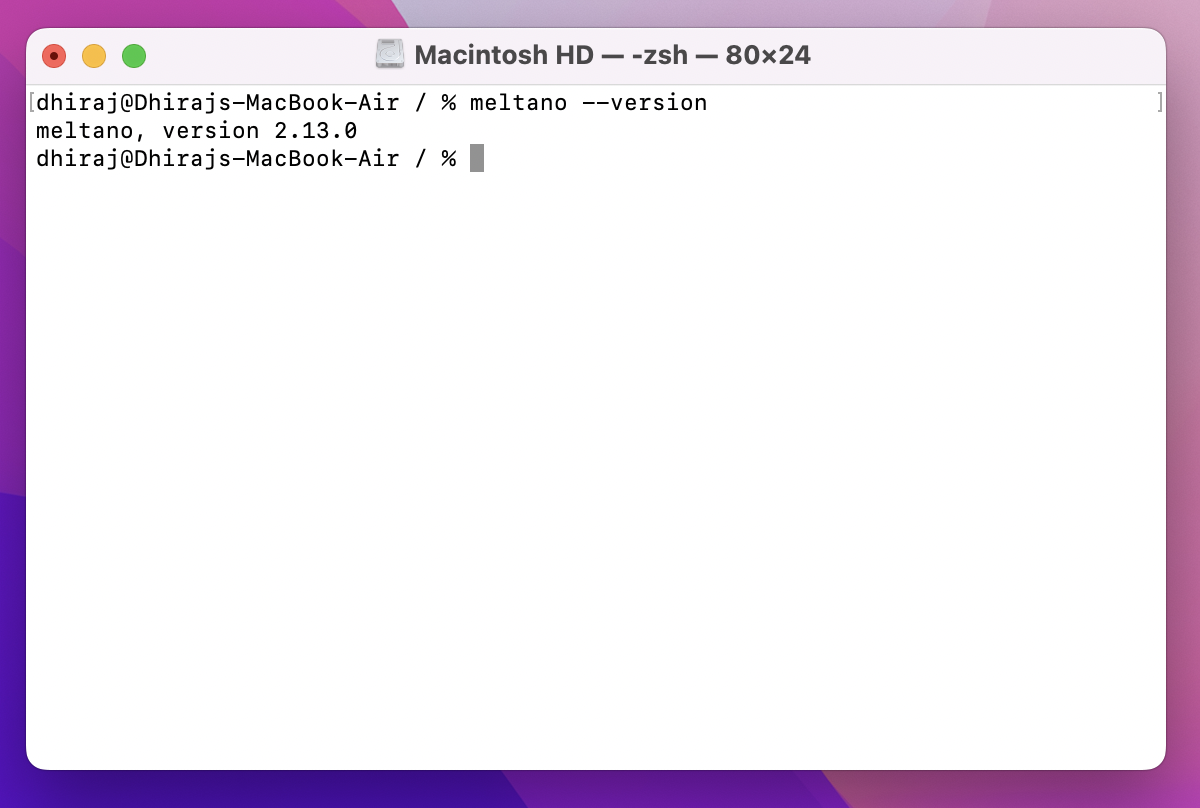 Terminal showing the output of meltano --version
This screenshot is from the original post. Your version number will be newer.
Terminal showing the output of meltano --version
This screenshot is from the original post. Your version number will be newer.
Step 3: Create a Meltano project
meltano init my-meltano-project
cd my-meltano-project
This creates a folder with a meltano.yml file, where your whole pipeline is described.
Step 4: Add an extractor (where data comes from)
Meltano calls extractors taps. In this example, we pull data from GitHub:
meltano add tap-github
meltano config set tap-github --interactive
The interactive setup asks for the settings the tap needs. For GitHub, that's an access token and the repositories to read. To check your settings:
meltano config list tap-github
Only need some of the data? Pick specific tables and fields with meltano select, for example meltano select tap-github commits sha.
Step 5: Add a loader (where data goes)
Meltano calls loaders targets. For a first test, write the data to JSON files on your laptop:
meltano add target-jsonl
Step 6: Run your pipeline
meltano run tap-github target-jsonl
Meltano pulls the data from GitHub and writes it to JSON files in your project's output folder. To load into a real warehouse later, swap the target, for example target-snowflake, target-postgres or target-bigquery. The same goes for the source, for example tap-google-analytics.
Common problems
- "command not found: meltano": open a new terminal window. With uv, run
uv tool update-shellonce so your terminal can find installed tools. - The tap fails to connect: run
meltano config list tap-githuband check your token and settings. - A plugin fails to install: some plugins need a specific Python version. Check the plugin's page on Meltano Hub.
FAQ
Is Meltano free? Yes. Meltano is open source and free to use.
What are taps and targets? They're Meltano's connectors, built on the open Singer standard. A tap extracts data from a source, and a target loads it into a destination.
Meltano or Airbyte: which should I use? Both move data from sources into your warehouse. Meltano is command-line and code-first, and fits teams that like to keep pipelines in Git. Airbyte has a web UI that's easier for non-developers. See our Airbyte 5-minute guide to compare.
Can Meltano transform data too? Yes. You can add dbt to a Meltano project as a utility, so extraction, loading and transformation all live in one place.
What to try next
Meltano handles the "extract and load" part of a modern data stack. Our other 5-minute guides cover the rest:
- Setup dbt Core on your machine in 5 minutes or less, to transform the data you load
- Setup DuckDB in 5 minutes, a quick local database to load into
- Setup Apache Airflow in 5 minutes, to schedule your pipelines
- Modern Data Stack on your laptop, to see how it all fits together
Want help building data pipelines that don't break? Talk to Newtuple.